Turn your clips into edited videos — just describe the result
lovideo is an AI video agent. Drop your media, describe the edit, and get a finished MP4 plus an editable CapCut draft.
Start from a template
Before and After Video Maker: Describe the Reveal, AI Cuts It
Make a before and after video with AI: upload your shots, describe the reveal, and get a 9:16 transformation clip with a flash cut and zoom.

Christmas Video Maker: Countdown, Christmas Dump & Holiday Messages, Cut by AI
Make a Christmas video from your holiday photos and clips: add a Merry Christmas message as text, your own music, and let AI cut it.
Day in My Life Video: AI Cuts Your Daily Clips into a Vlog
Make a day in my life video from your own clips: upload them, add your music, and AI cuts a 9:16 vlog reel with smooth zooms.

Friendsgiving Video: Your Thanksgiving Recap, Cut by AI
Turn Friendsgiving and Thanksgiving photos and clips into a recap reel: title text, flash cuts, warm filter, your own music.

Halloween Recap Video from Your Party Photos and Clips
Make a Halloween recap video from your party photos and clips: add your own music and text, pick 9:16 or 4:5, and export an MP4 or a CapCut draft.

Monthly Recap Video: October Dump, November Dump, Your Month Cut by AI
Make an October dump or November dump reel: upload the month's photos and clips plus your music, add a month title and flash cuts.
Photo Dump Video Maker: Camera Roll to Reel, Fall Dump to 2026 Photo Dump
Make a photo dump video from your photos and clips: describe it in text, add your own MP3, and AI cuts a 9:16 reel with zooms and flashes.
Ray Edits CapCut: Make a Ray-Style Edit Without a Template Link
What CapCut ray edits are, and how to get the ray edit look from your own clips: AI cuts to the rhythm, then export a CapCut draft to add light effects.
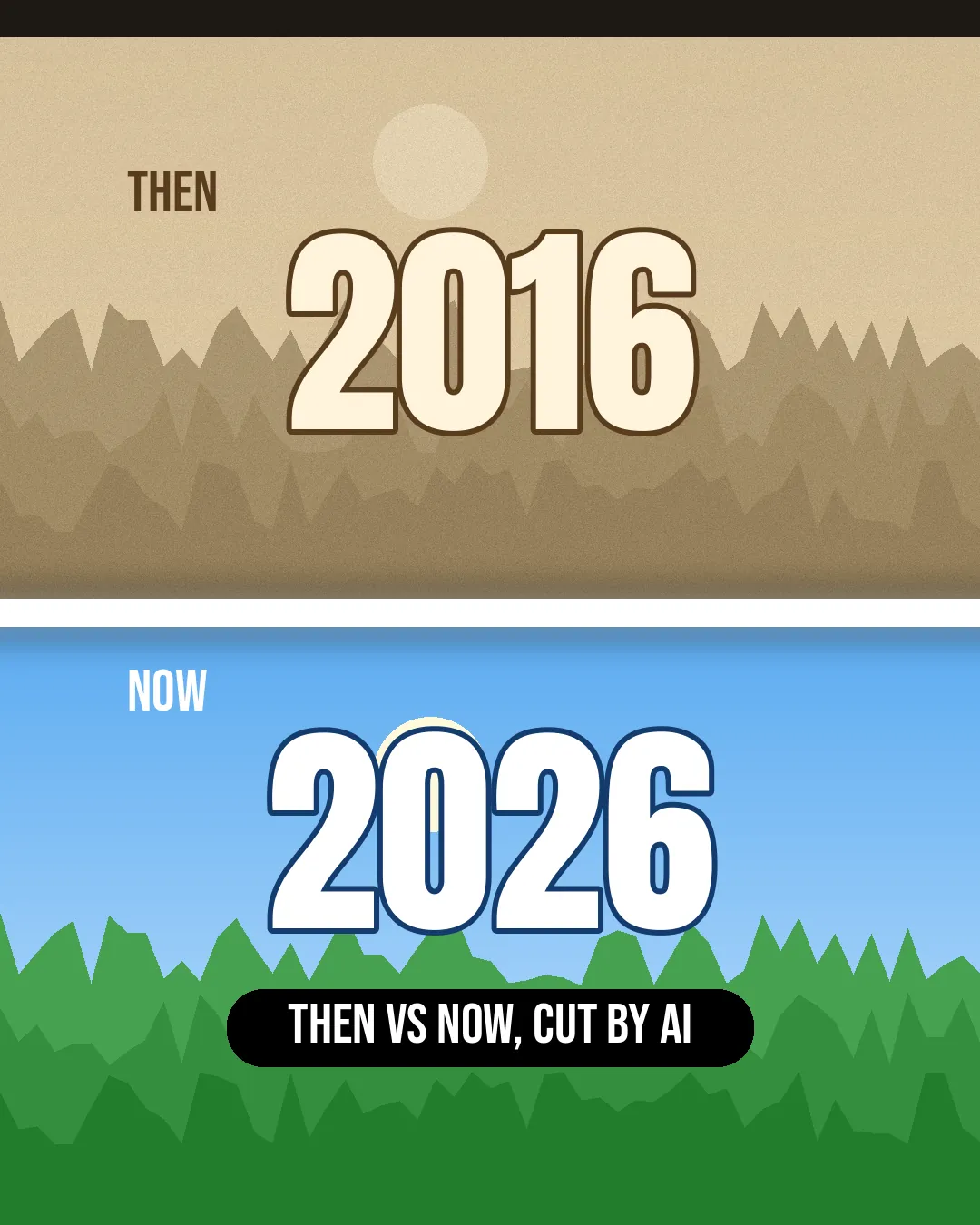
Then vs Now Video: 2016 vs 2026, Cut by AI
Make a then vs now video like '2016 vs 2026': pair your old and new photos, add year labels and a white flash.
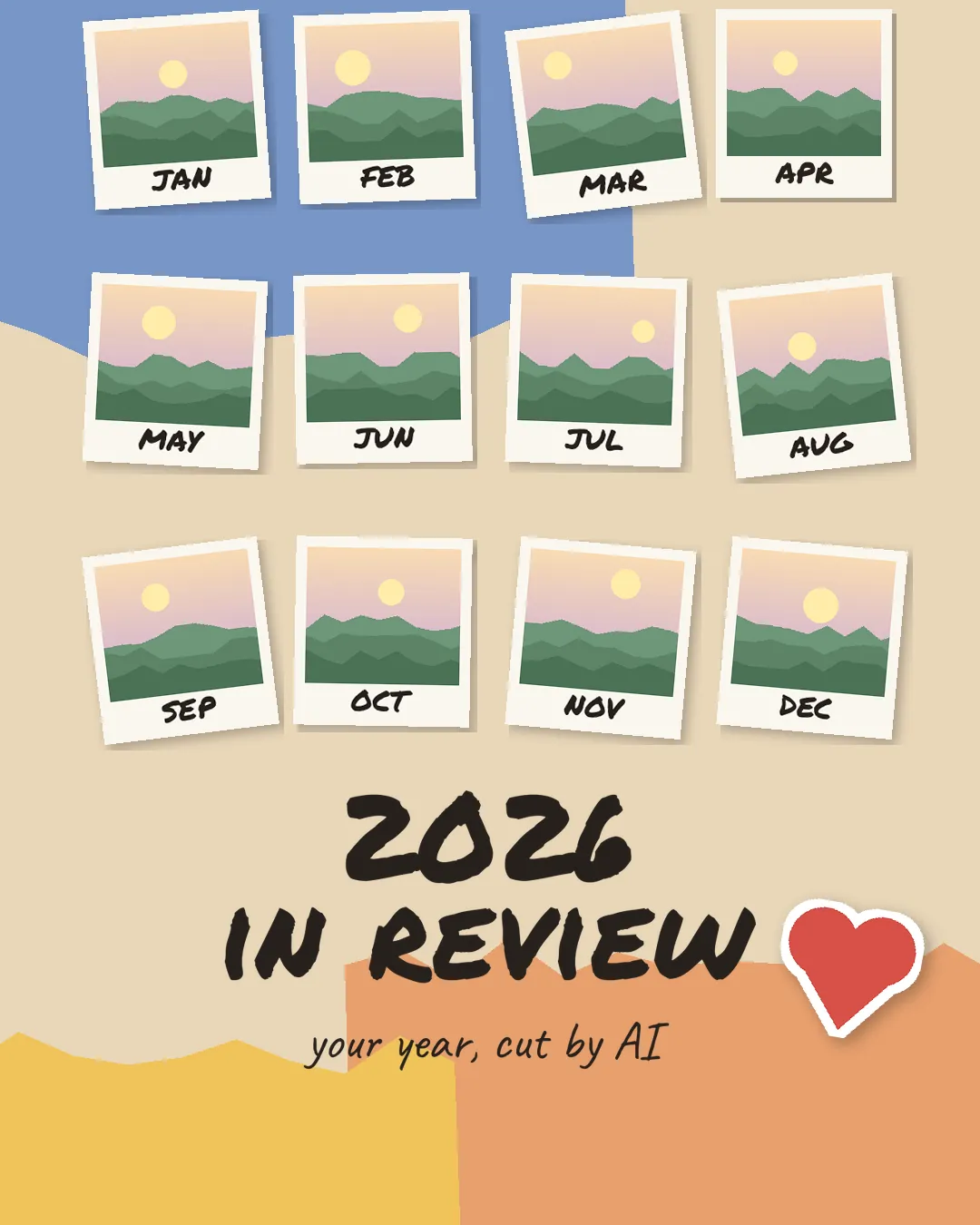
2026 Recap & Year in Review Video: Your Best 30 Moments, Cut by AI
Make a 2026 year in review video from your photos and clips: one shot per month, month titles, your own music, flash cuts.
How it works
- 1
Drop your media
Upload photos, clips or notes — no prep needed.
- 2
Describe the result
Say in text what you want: a vibe, a template, a song.
- 3
Get your video
Download an MP4 and an editable CapCut draft.
Templates
- Before and After Video Maker: Describe the Reveal, AI Cuts It
- Christmas Video Maker: Countdown, Christmas Dump & Holiday Messages, Cut by AI
- Day in My Life Video: AI Cuts Your Daily Clips into a Vlog
- Friendsgiving Video: Your Thanksgiving Recap, Cut by AI
- Halloween Recap Video from Your Party Photos and Clips
- Monthly Recap Video: October Dump, November Dump, Your Month Cut by AI
- Photo Dump Video Maker: Camera Roll to Reel, Fall Dump to 2026 Photo Dump
- Ray Edits CapCut: Make a Ray-Style Edit Without a Template Link
- Then vs Now Video: 2016 vs 2026, Cut by AI
- 2026 Recap & Year in Review Video: Your Best 30 Moments, Cut by AI
FAQ
What is lovideo?
lovideo turns your photos, clips and a short text description into a finished, edited video — exported as an MP4 plus an editable CapCut (剪映) draft.
When can I use it?
We're in private testing. Join the waitlist and we'll email you when early access opens.
Do I need editing skills?
No. Describe what you want in plain language; the agent picks a style, cuts and syncs the video for you.
Will it be free?
There will be a free way to try it. We'll share pricing before launch.