Template
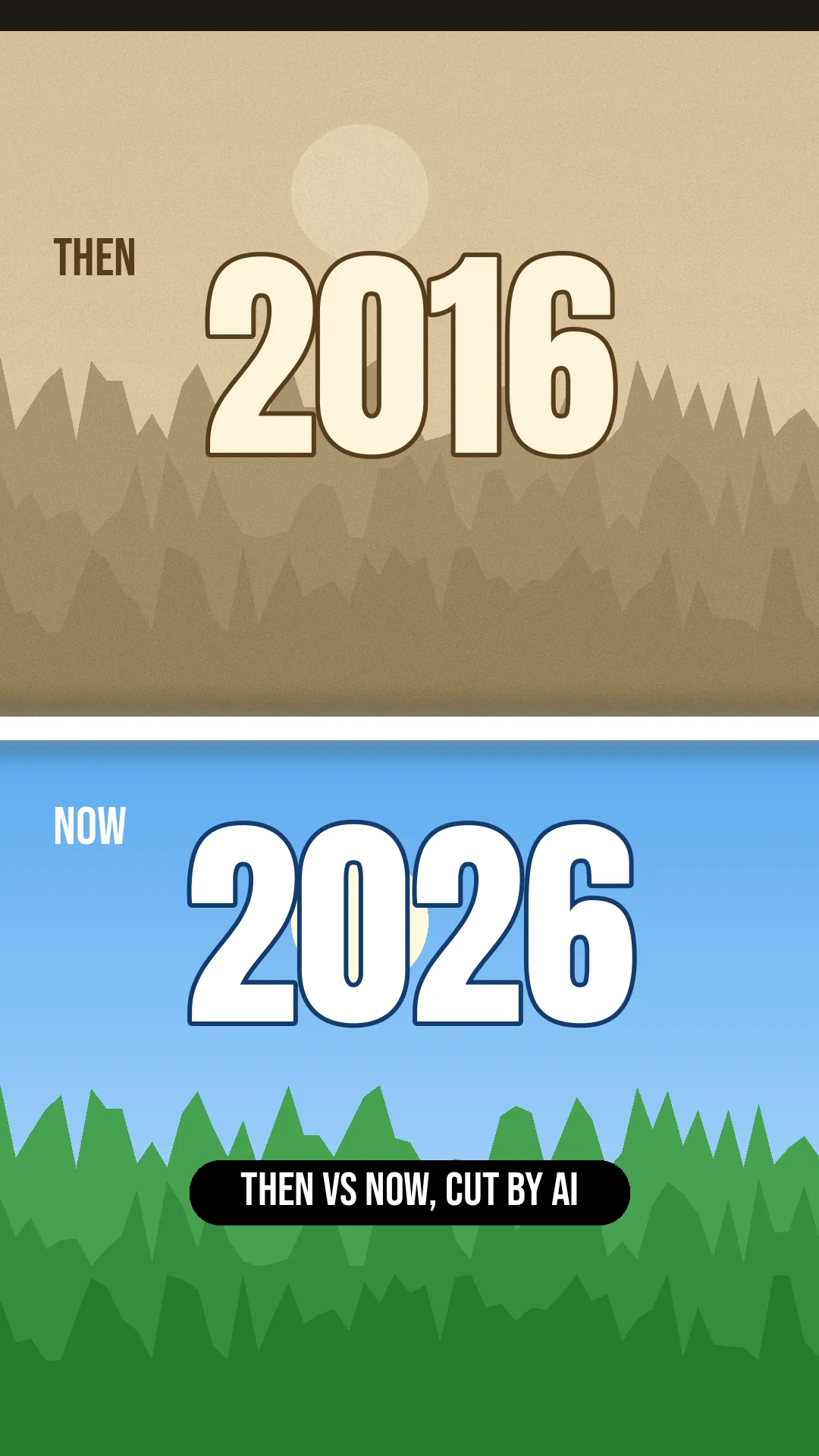
Then vs Now Video: 2016 vs 2026, Cut by AI
Old photo, new photo, a flash and a year label. Upload your then-and-now pairs and describe the reveal; lovideo's AI cuts the comparison reel, using only photos you own.
What is it?
A then vs now (for example '2016 vs 2026' or '2008/2026') video alternates an old photo with a matching recent one, each labeled with its year. lovideo puts year text layers on your shots, uses white or black flashes between them and slow zooms; up to 30 shots, each from 0.5 s.
How to make it
- 1Collect pairs of old and new photos you own (same pose or place works best).
- 2Upload them in order (then, now, then, now) with a song you have rights to.
- 3Describe it: "label each shot with its year, white flash between then and now, slow zoom-in on each".
- 4Export MP4 and post.
FAQ
Can I make '2016 vs 2026' or '2008/2026'?
Yes. Any years work; they are text layers you describe in text.
Is there a swipe or slider reveal?
No wipe, dissolve or slider transitions. Use a hard cut or a white or black flash instead.
Can I put both photos side by side?
Not in one frame: lovideo shows one shot at a time, so then and now play one after the other. Use a collage you made yourself as a single photo if you want a side-by-side look.
Whose photos can I use?
Use photos you took or have permission to use. Ask friends before posting their old photos.
Does it morph one face into the other?
No. lovideo has no morphing or face effects.